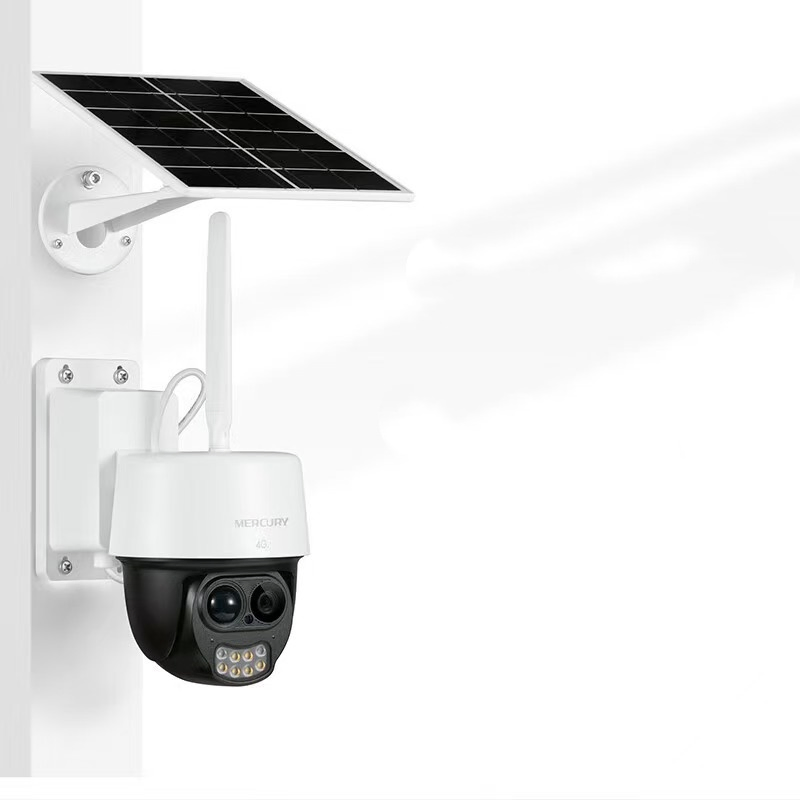
AxizView Camera
1 / 5
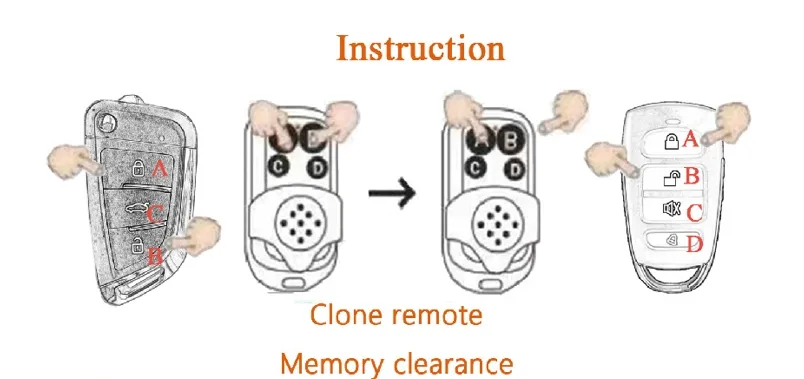
Press button "A" and "B" at the same time. When the LED flashes and turns off, then click "B" button for 3 times (meanwhile "A" key still holding on all the time). When the LED flashes, the memory code is erased.
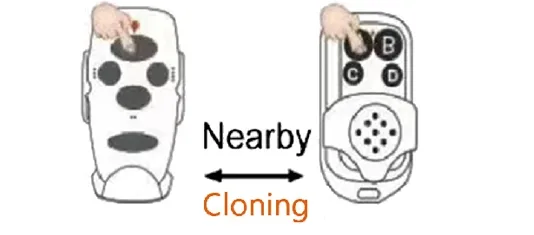
Press the 2 buttons of the original & clone remotes, which need to be placed nearby. Press the 2 buttons at the same time, when the LED indicators flash all the time, then release them.
Press the cloned-button on the clone remote. If the LED indicator turns on all the time, that means that the code is cloned successfully. Clone the other codes from the original remote by following the steps.
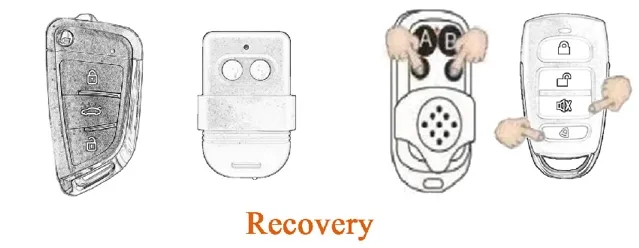
Recovery: If erase the code by mistakes, don't worry we can recover it by pressing the button C & D at the same time for a bit long time. When the LED flashes, the codes are recovered.