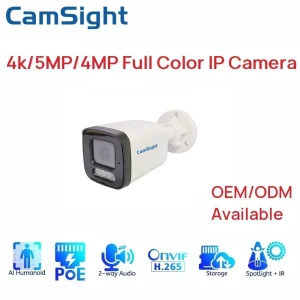
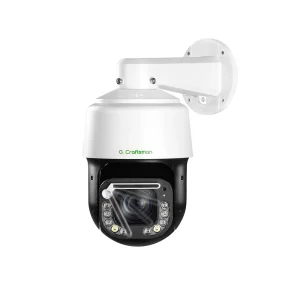
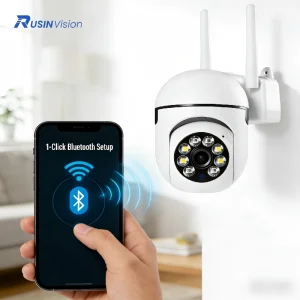
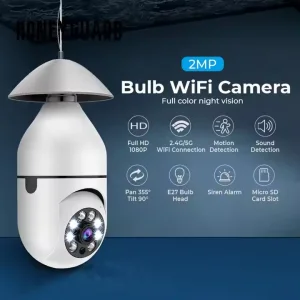
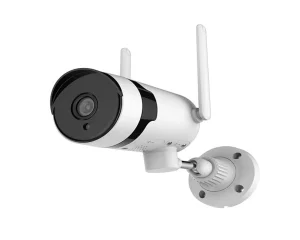
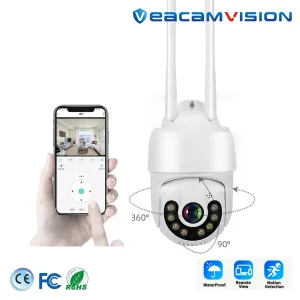
Model NO.HT-T500-5G-GA-W
TypeIP Camera
SensorCMOS
HDMI Format1080P
Horizontal Resolution1080P
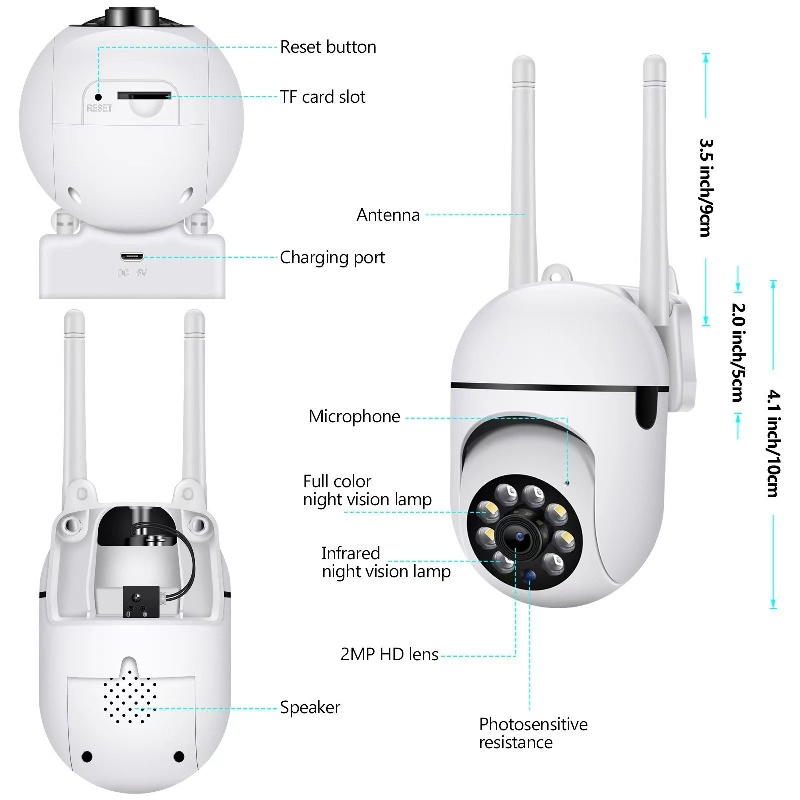
Lens KindManual Focus Lens
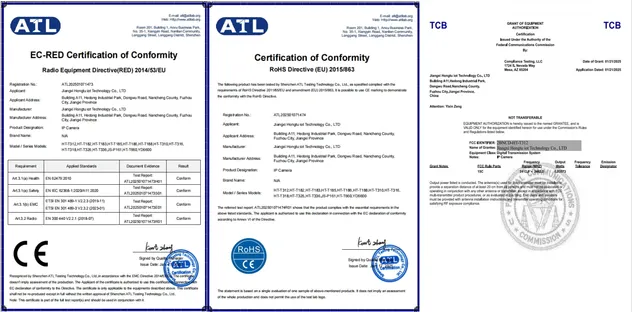
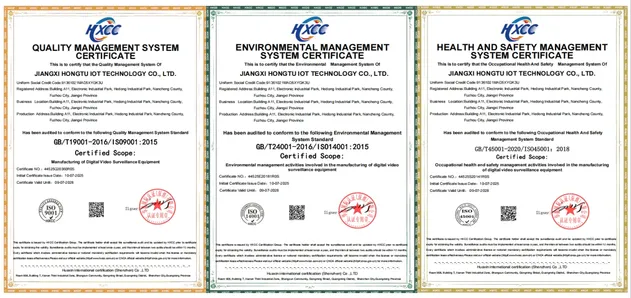
CertificationCE, FCC, RoHS, ISO9001
FeatureHigh Definition, Mini Size
Effective Distance1-30m
Sensor Size1/4 inch
Video FormatH.264
Frequency Range2.4 GHz ~ 5.8 GHz
Wireless Security Camera
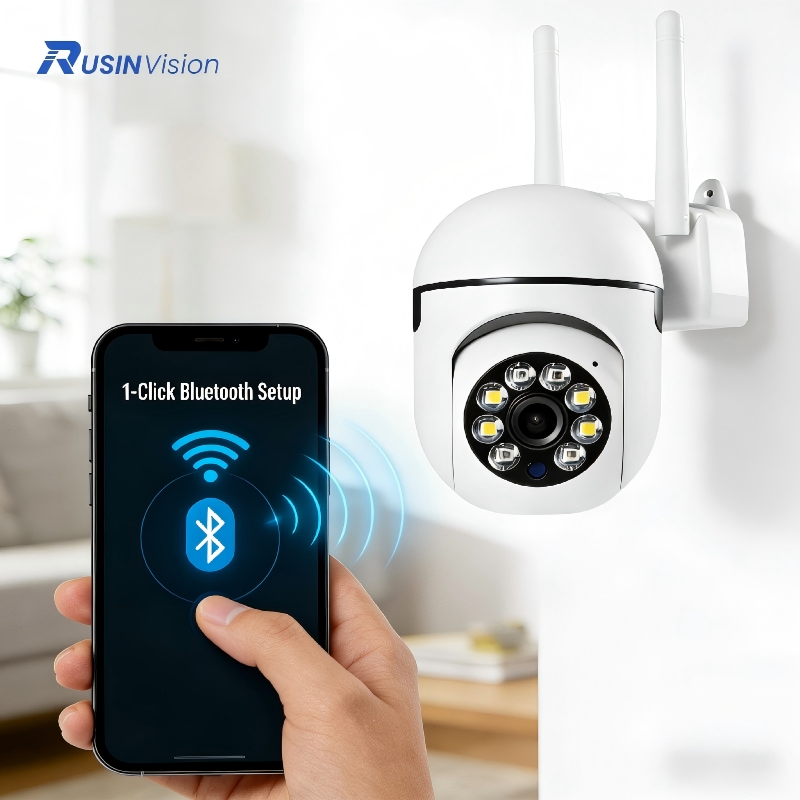
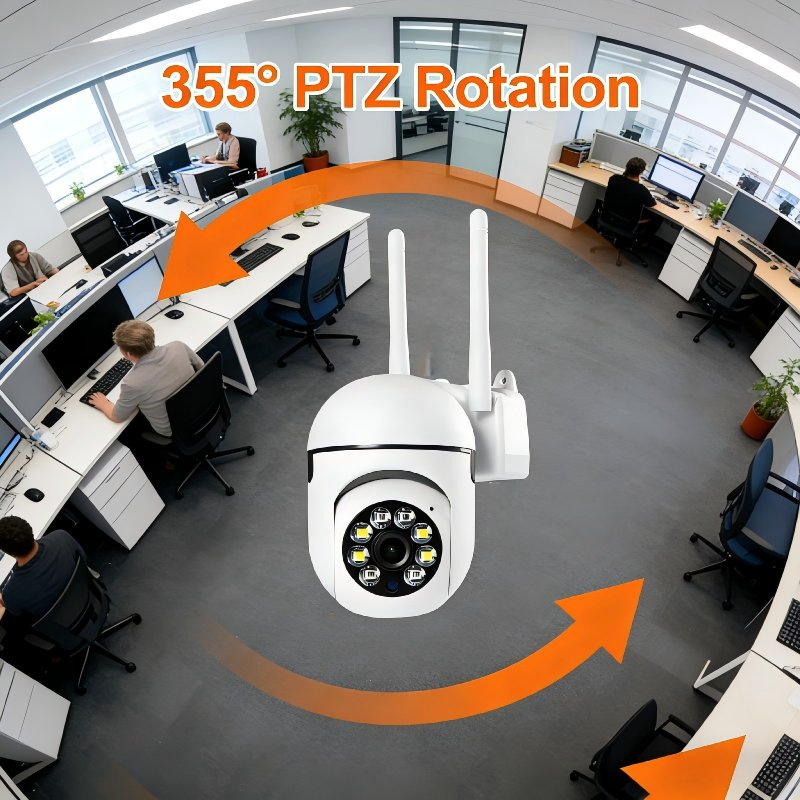
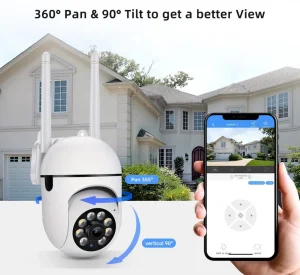
Suspended 5G wireless IP camera: Suitable for home care, outdoor surveillance, supermarket surveillance, and company security.
💡 Innovative Design
Q1: Why can't I add devices through WIFI connection?
A: 1. Ensure the device is restored to factory settings (long press reset until voice prompt). 2. Camera supports 2.4GHz only; if using a 5G router, disable dual-band mode or select 2.4G. 3. Keep the distance between the router and camera within a reasonable range.
Q2: Why is the recording intermittent?
A: In event recording or alarm mode, the camera only records when motion is detected. This is designed to save storage space and may result in non-continuous footage.
Q3: How do I change the WIFI connection for the camera?
A: If the location is the same, use the parameter setting menu in the APP to change the WIFI. If the camera has moved to a new location, reset the camera to factory settings and reconfigure the network.
Q4: Why can't my mobile phone receive alarm messages?
A: Confirm that notification permissions are enabled for the APP in your phone settings and that the message notification feature is active within the APP settings. Check if the phone is in a "Do Not Disturb" period.
Q5: What should I do if the camera shows as disconnected?
A: Verify that the power supply and network are active. Try powering the camera off and restarting it. If it remains disconnected, remove the camera from the APP and add it again.
Q6: Does the camera support cloud storage?
A: Yes, the camera supports both TF card local recording and cloud service trial/subscription packages for alarm events.
 AxizView Camera